


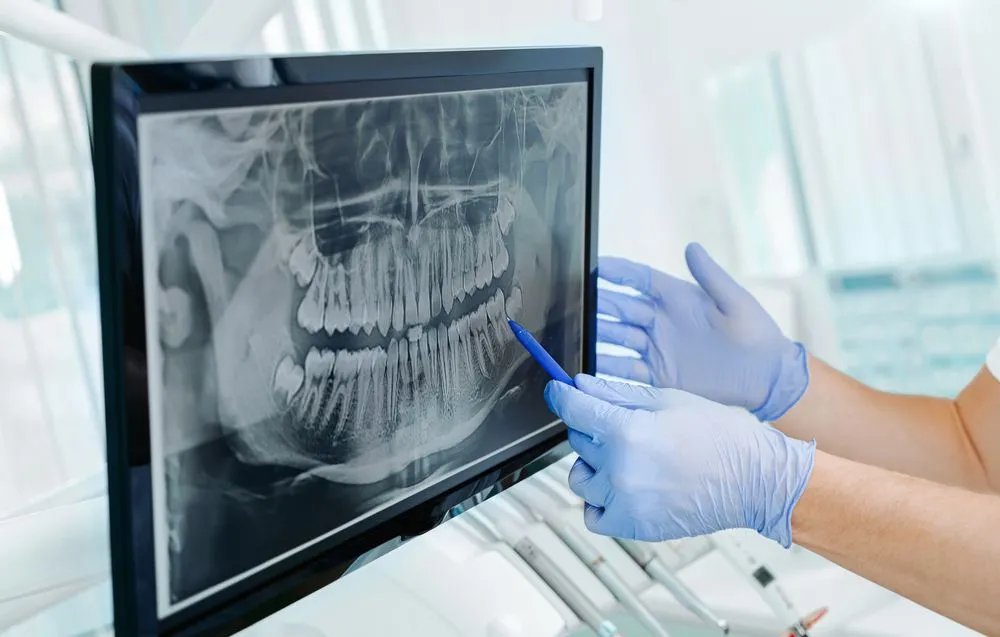
Digital Imaging 101: Maintaining X-Ray Sensors and Imaging Software
Dental imaging technology is one of the most essential systems in any modern dental practice. From digital X-ray sensors to CBCT units and advanced imaging software, your tech setup plays a major role in diagnostic accuracy, workflow efficiency, and patient experience.
But like every digital tool in your office, your imaging systems require proper maintenance, updates, and monitoring to run smoothly. Poorly maintained imaging equipment is one of the top causes of:
slow patient flow
software crashes
sensor failures
costly downtime
distorted or low-quality images
In this guide, you’ll learn how to properly maintain your digital X-ray sensors and imaging software—plus tech tips used by professional dental IT experts to keep imaging systems running at peak performance.
Why Proper Dental Imaging Maintenance Matters
Digital imaging devices are high-precision medical tools, and even minor issues can impact:
✔️ Image clarity and diagnostic accuracy
✔️ Radiation consistency
✔️ Office workflow and patient wait time
✔️ Equipment lifespan
✔️ Compliance and data storage regulations
A failed sensor or glitching imaging software can halt an entire workday—and many issues are avoidable with consistent care and monitoring.
Understanding Digital X-Ray Sensors: Types & Common Issues
Digital sensors typically fall into two categories:
1. Direct Digital Sensors (DDS) — Wired Sensors
Used with brands like Dexis, Gendex, Carestream, Schick, and more.
Common Problems:
Cable damage
Bite pressure cracks
Driver conflicts
USB power issues
Water intrusion
2. Phosphor Plate Sensors (PSP) — Wireless Plates
Used by brands like ScanX and Durr Dental.
Common Problems:
Scratches on plates
Dust marks
Incorrect calibration
Scanner connection issues
Each system has unique maintenance needs—but both require continuous care to extend their lifespan.
Daily Maintenance Checklist for X-Ray Sensors
Follow this routine to reduce sensor damage and extend equipment lifespan:
1. Clean Sensors Properly After Each Use
Use only manufacturer-approved disinfectants. Avoid soaking sensors or using alcohol wipes that damage surfaces.
2. Inspect Cables & Connections
Since sensor failure often begins with cable fatigue:
Avoid sharp bends
Train staff to handle gently
Use protective sheaths
3. Check for Bite Damage
Look for cracks, pressure points, or surface marks.
4. Verify Consistent Image Quality
If image clarity changes suddenly, it may indicate:
calibration issues
software conflicts
power fluctuations
5. Confirm Software Connection
Ensure the sensor is recognized properly in imaging software before use.
Weekly Maintenance Checklist for Imaging Software & Workstations
Your imaging software is just as important as the hardware. Maintaining speed, compatibility, and storage is crucial.
1. Clear Temporary Files & Cache
Imaging software builds up large cache files that slow systems down.
2. Update Sensor Drivers
Most digital imaging brands release fixes for:
sensor bugs
compatibility issues
Windows updates
3. Check Workstation Performance
Your imaging PC should meet updated requirements:
SSD storage
Minimum 16GB RAM
High-speed USB ports
Calibrated monitor
4. Confirm Backup of All Images
Dental offices must maintain compliant backups.
Check that:
images automatically sync to the server
cloud backup is functioning
no storage disks are near capacity
Monthly Maintenance Checklist for Imaging Devices & Software
1. Update Imaging Software
Brands like Dexis, Eaglesoft, Open Dental, and Carestream constantly release important updates.
2. Recalibrate Your Sensors
This ensures:
consistent image contrast
accurate measurements
correct exposure levels
3. Test Full Workflow
Capture → Save → View → Export → Backup
This verifies the entire imaging chain is working.
4. Inspect Power Stability
Voltage issues are a major cause of sensor failure.
Use:
battery backup (UPS)
surge protectors
stable grounding
How to Prevent the Most Common Digital Imaging Issues
Below are solutions used by dental IT support professionals to avoid downtime:
1. Avoid Sensor Cable Breakage
Never twist or pull from the cable
Store in a padded hanger
Replace USB extenders every few months
2. Stay Ahead of Windows Updates
Windows updates often break:
sensor drivers
TWAIN drivers
imaging software
Turn on controlled updates, not automatic.
3. Maintain a Fast, Clean Imaging PC
Use:
SSD (not HDD)
Clean ventilation
Minimal background apps
Updated graphics drivers
4. Avoid Competing Software Conflicts
Imaging tools often compete with:
antivirus programs
outdated drivers
duplicate imaging software
Use one well-configured system.
5. Train Staff Properly
Most sensor damage happens due to:
rushing
forceful placement
improper cleaning
Short annual training saves thousands.
When to Call a Dental Imaging Support Professional
If you notice:
images suddenly look “grainy” or dark
the sensor disconnects randomly
the image takes too long to load
software freezes or crashes
X-ray PC is unusually slow
CBCT images fail to export
…it’s time to bring in an imaging technician.
Dental practices lose thousands in revenue due to imaging downtime—fast support prevents that.
How TST Support Helps With Dental Imaging Maintenance
At TST Support, we specialize in end-to-end dental imaging support, including:
✔️ X-ray sensor installation & calibration
✔️ Digital imaging workstation optimization
✔️ Software updates & driver fixes
✔️ CBCT setup & maintenance
✔️ DICOM exporting & backups
✔️ Troubleshooting imaging errors
✔️ Practice management software integration
✔️ HIPAA-secure imaging workflows
Our goal is simple:
Zero downtime. Maximum image quality. Long-lasting equipment.
Conclusion
Digital imaging is at the heart of your dental practice’s workflow. With proper maintenance of sensors, software, and imaging systems, you can ensure:
consistent diagnostic accuracy
faster appointments
longer-lasting equipment
reduced repair costs
better patient experience
If your practice needs reliable, ongoing dental imaging support, TST Support is here to help maintain, optimize, and protect your technology.